
Promotional Reply
Add a promotional reply when a new post reaches your like threshold.
When a post takes off, that's the moment to plug your offer. Promotional Reply adds a reply of your choice under any new post that reaches your like threshold — while the attention is still there.
Set it up
Open Automations, pick the channel in the Channel rail, and find the Promotional Reply card.
Click Set automation: choose a Like threshold and write the Promotional reply — the rule reads "At N likes → Add reply".
No copy in mind? Use Draft with AI — describe what you're promoting ("Invite readers to start a free trial…") and click Generate draft.
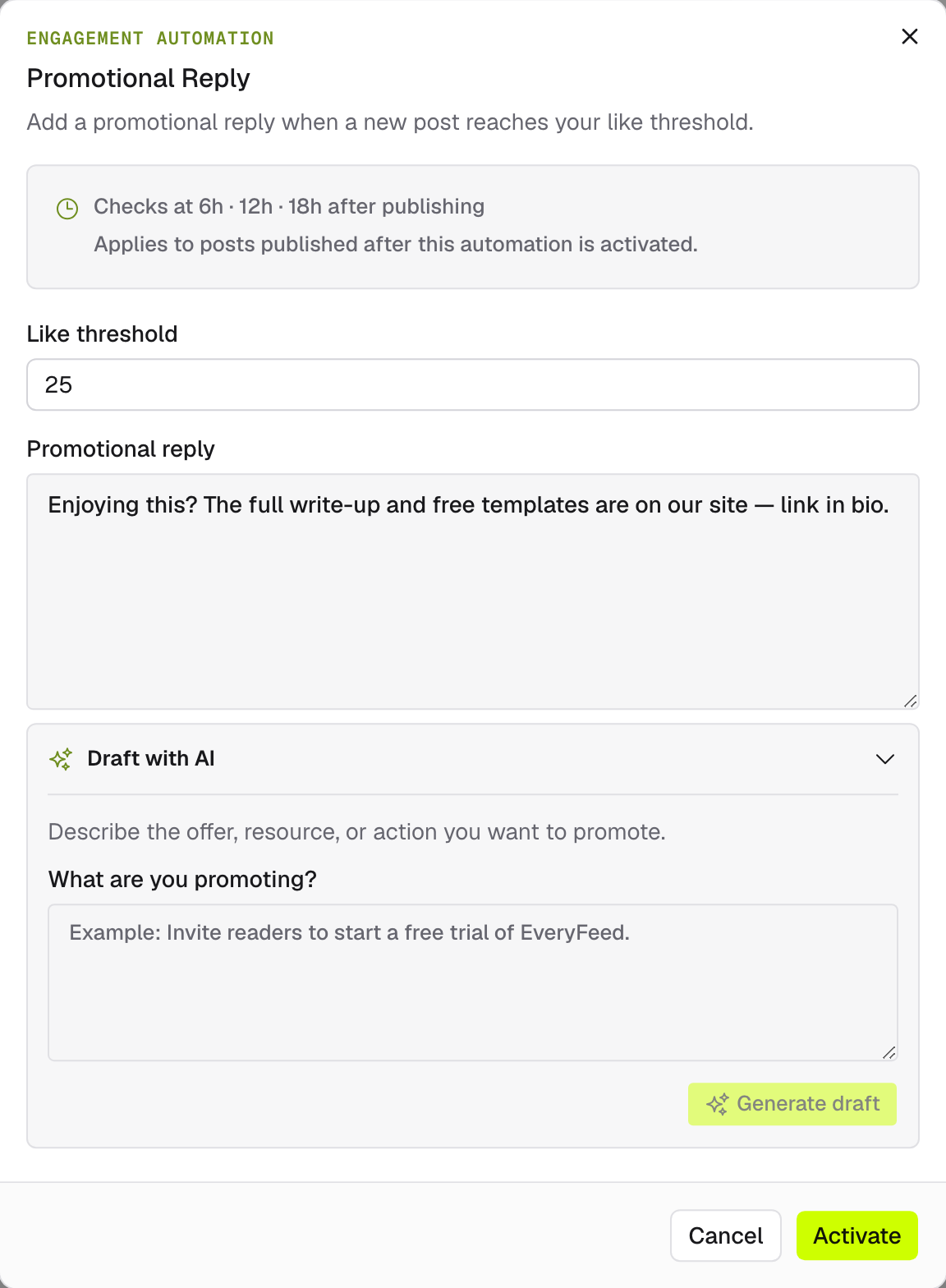
Activate it. The rule applies to posts published after activation and is checked on a schedule after each new post publishes.
Watch it work
Like Auto Repost, the card logs Recent activity for every check — Rule triggered, Threshold not reached, or Check failed — with attempt counts and a View checked post link.
Availability depends on the platform — the Channel rail shows which of your connected accounts support engagement automations.