Connect a channel
Connect a social account so you can publish to it.
Channels are the social accounts you publish to. Connect one before you create your first post.
What you'll need
Admin access — non-admins can see the channel list but can't connect or disconnect.
Connect with sign-in (OAuth)
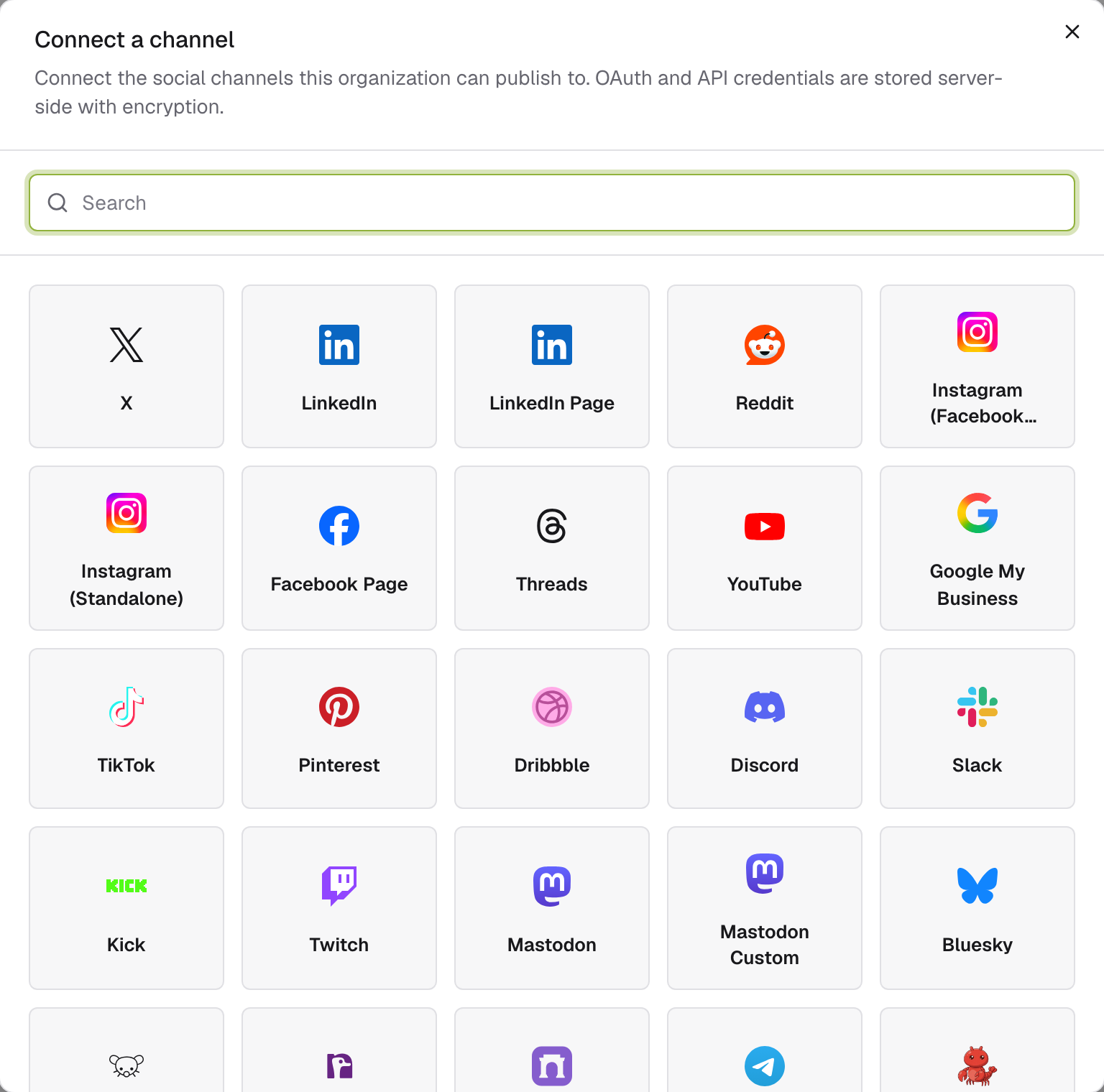
Platforms like X, LinkedIn, YouTube, Google My Business, and TikTok connect by signing in — no keys to copy.
Open Connections in the sidebar and click Connect a channel.
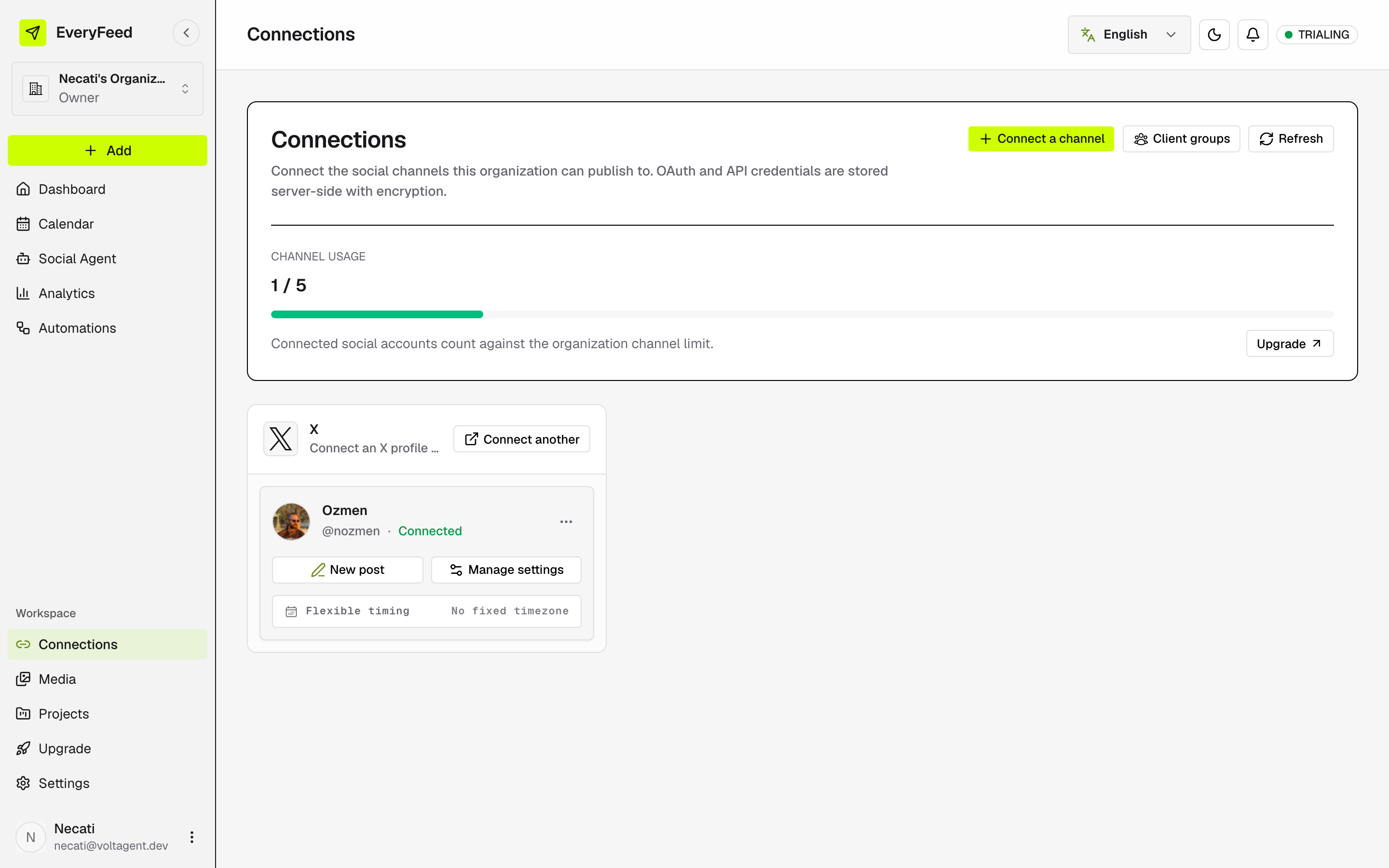
Pick your provider. Sign in on the platform, approve access, and you're back — the account appears with a Connected status.
Pick a destination (if asked)
Some platforms manage several pages, channels, or locations under one login. When that happens the connection shows Pending selection:
On the connection, click Continue setup.
Pick the page, channel, or location from the list — click Refresh options if it looks incomplete — then Connect selected account.
Channels that use credentials
Providers like Bluesky, Mastodon, or WordPress show a Credential badge and open a short form instead of a sign-in popup. See Connect with custom credentials.
Plan limits
The Channel usage meter at the top of Connections shows how many channels your plan allows. At the limit, you'll be prompted to upgrade.