Connect with custom credentials
Connect channels that use their own API credentials instead of a sign-in popup.
Some channels connect with their own credentials instead of a sign-in popup — they show a Credential badge in the provider list:
Bluesky · Mastodon (custom instance) · Lemmy · Nostr · Moltbook · Skool · Medium · Dev.to · Hashnode · WordPress · ListMonk
Everything else (X, LinkedIn, YouTube, Google My Business, TikTok) connects with a sign-in popup — see Connect a channel.
On Connections, click Connect a channel and pick the provider.
A short form opens. Fill in the fields it asks for — they vary by provider, and each field explains what it expects.
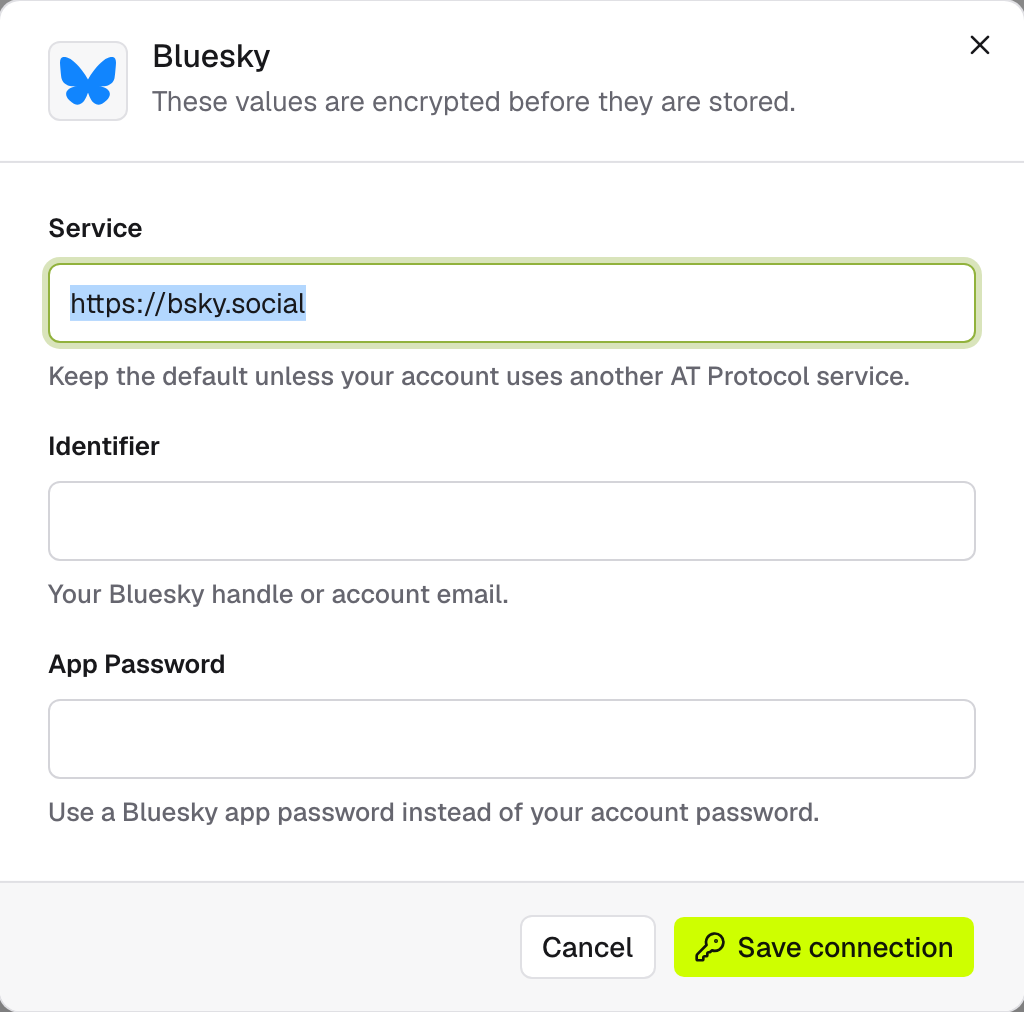
Click Save connection. Your values are encrypted before they're stored, and the channel is ready to publish to.
Not sure what to enter? Check that provider's account or developer settings for the values it expects — e.g. Bluesky uses an app password, not your account password.