
Automations overview
Content feeds and engagement automations — what runs on its own, and when.
Open Automations in the sidebar. Two kinds of automation live here:
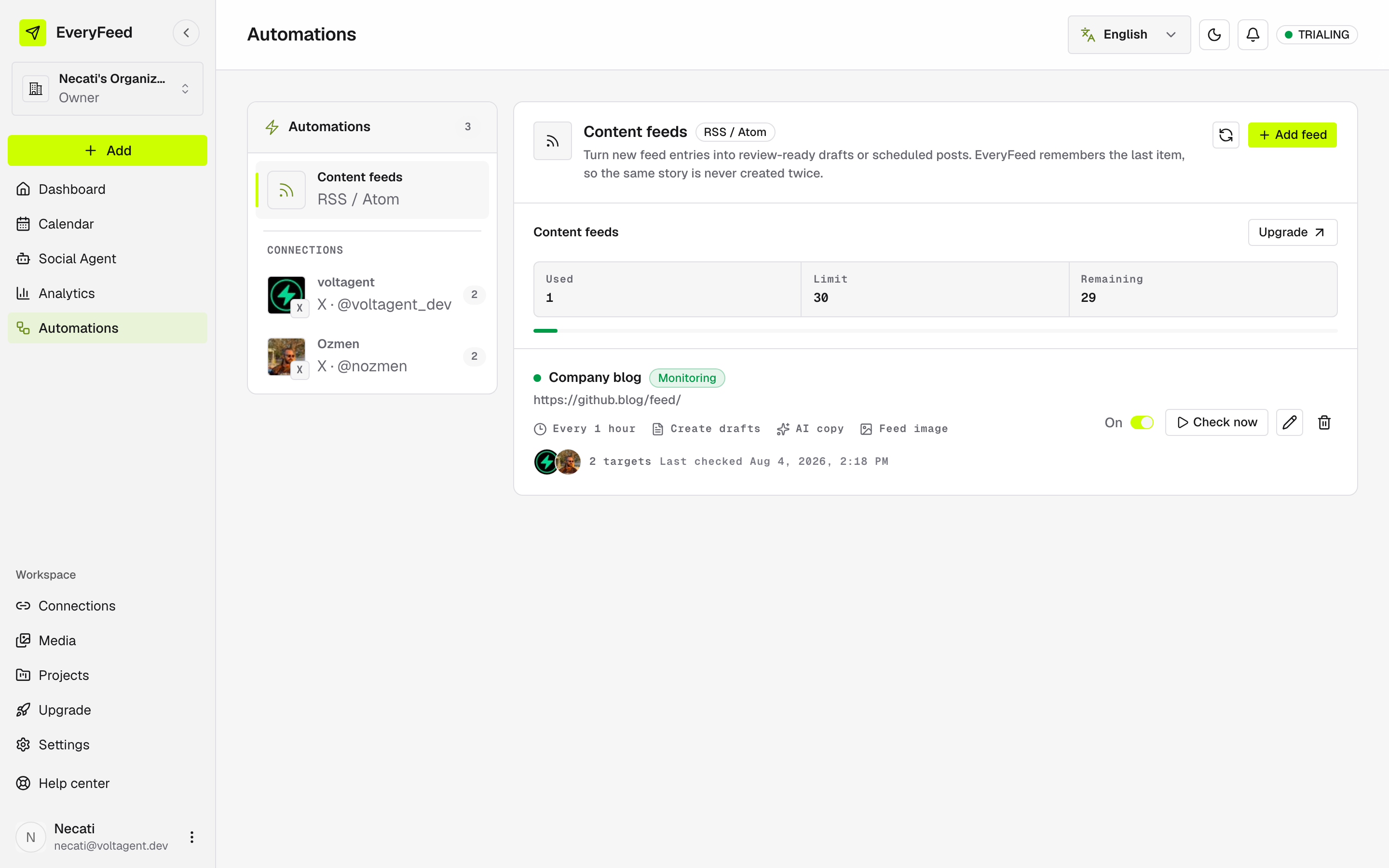
Content feeds
Watch an RSS or Atom feed and turn every new entry into a post — a reviewable draft or a scheduled post — for the channels you pick. See RSS and Atom automations.
Engagement automations
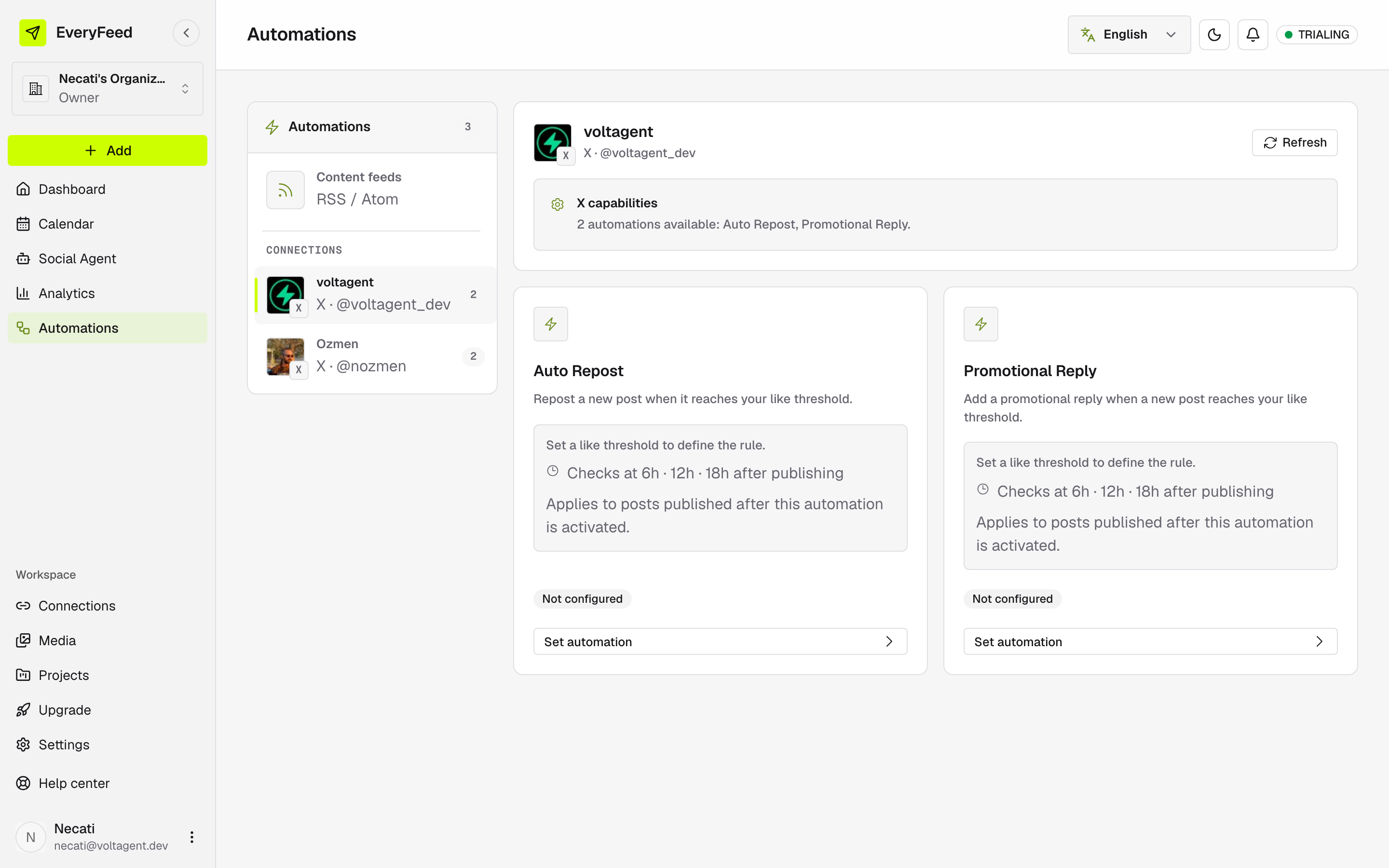
Per-channel rules that react to how a new post performs:
| Automation | When a new post reaches your like threshold… |
|---|---|
| Auto Repost | …it gets reposted. See Auto Repost. |
| Promotional Reply | …a promotional reply is added under it. See Promotional Reply. |
Pick a channel in the Channel rail to see what that platform supports — capabilities differ per provider, and some offer no automation at all.
New posts only
Engagement automations apply to posts published after you activate them, and each shows a Recent activity log of every check it ran.
One-off repost for a single post
Want to repost just one post instead of a standing rule? That option lives in the composer — see Repost automation.