
Email notifications
Get an email when posts publish, fail, or your streak is about to end.
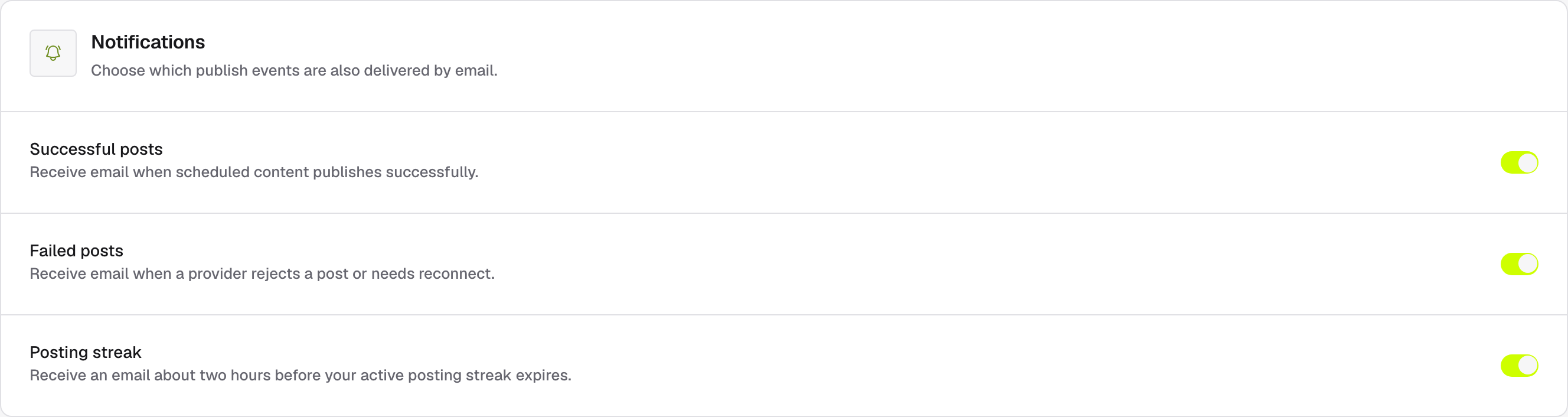
Open Settings → Notifications to choose which publish events also reach your inbox. Three toggles, saved instantly. They apply to your account only — every team member gets the same events and picks their own mix.
| Toggle | You get an email when… |
|---|---|
| Successful posts | Scheduled content publishes successfully. |
| Failed posts | A platform rejects a post. |
| Posting streak | Your active posting streak is about two hours from expiring. |
Failure emails go out immediately. Success emails are bundled — after the first event, EveryFeed collects what else happens for up to an hour and sends one digest instead of a flood.
Channel warnings always arrive
Notices that a channel needs to be reconnected or was disabled are sent regardless of these toggles — losing channel access is never silent. See Manage channels for the fix.
The same events also land in the in-app notification bell in the top bar, so you can turn an email off without losing the trail.