
Auto Repost
Repost a new post automatically when it reaches your like threshold.
Some posts take off — Auto Repost gives them a second push. When a new post reaches your like threshold, it's reposted automatically.
Set it up
Open Automations, pick the channel in the Channel rail, and find the Auto Repost card.
Click Set automation and choose a Like threshold — the rule reads "At N likes → Repost".
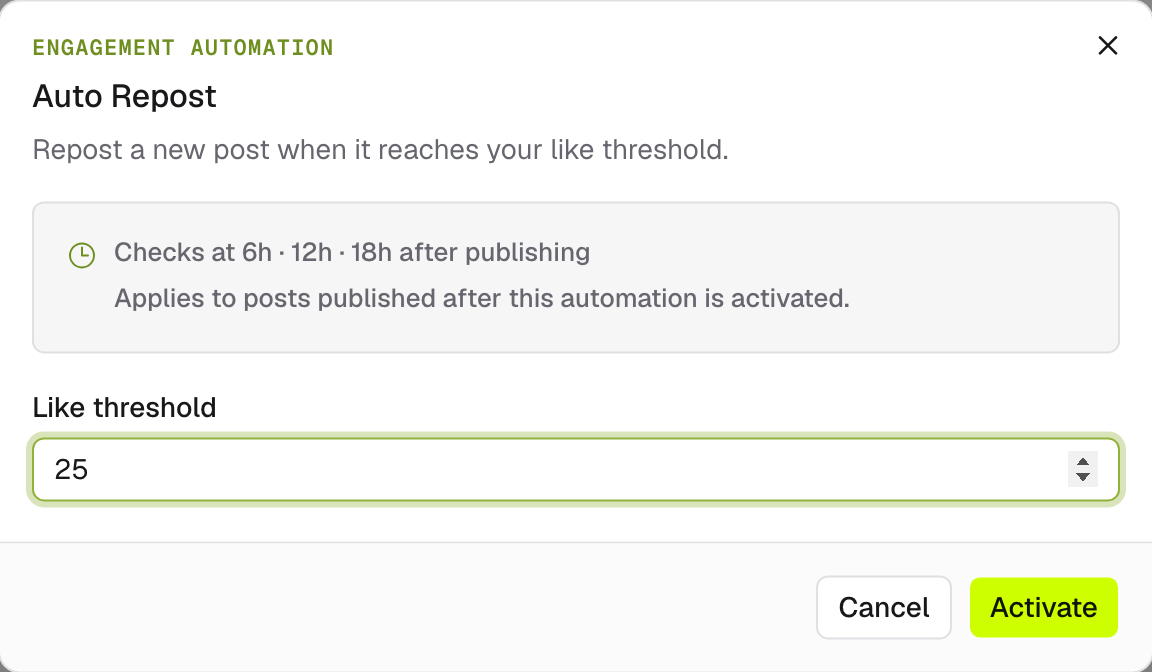
Activate it. The rule applies to posts published after activation, and EveryFeed checks each new post on a schedule after publishing.
Watch it work
The card's Recent activity section logs every check:
| Entry | Meaning |
|---|---|
| Rule triggered | The threshold was met — the post was reposted. |
| Threshold not reached | Checked, but not enough likes yet. |
| Check failed | The platform call failed on that attempt. |
Each entry shows its attempt count ("Check 2 of 4") and a View checked post link.
Availability depends on the platform — the Channel rail shows which of your connected accounts support engagement automations.